7 Audit Logs Examples for Cloud Scheduling
A scheduled stop, resize, or reboot needs verification across infrastructure logs. During an investigation, useful audit logs examples do more than show that an action happened. They connect the actor, resource, timestamp, request, result, and next operational decision. This guide focuses on JSON and text records, field interpretation, and practical response rather than generic logging theory.
See how Server Scheduler manages recurring EC2, RDS, and ElastiCache operations through a visual schedule without scripts. The approach makes planned cloud activity easier to execute and easier to verify afterward.
Contents
Ready to Slash Your AWS Costs?
Stop paying for idle resources. Server Scheduler automatically turns off your non-production servers when you're not using them.
Standard JSON Structured Logs
JSON is a practical default for cloud scheduling because one record can carry the actor, action, target resource, timing, request context, and outcome without forcing an investigator to parse positional columns. A CloudWatch event might identify an EC2 instance, while an application record can retain the scheduling rule and operation result. The same structure also works across Datadog, Splunk, and ELK pipelines.
A useful record should distinguish the service identity from a human user and include the affected resource, source IP or host, session, and result. Audit logging guidance describes this attribution chain as the foundation for correlation and forensic review.
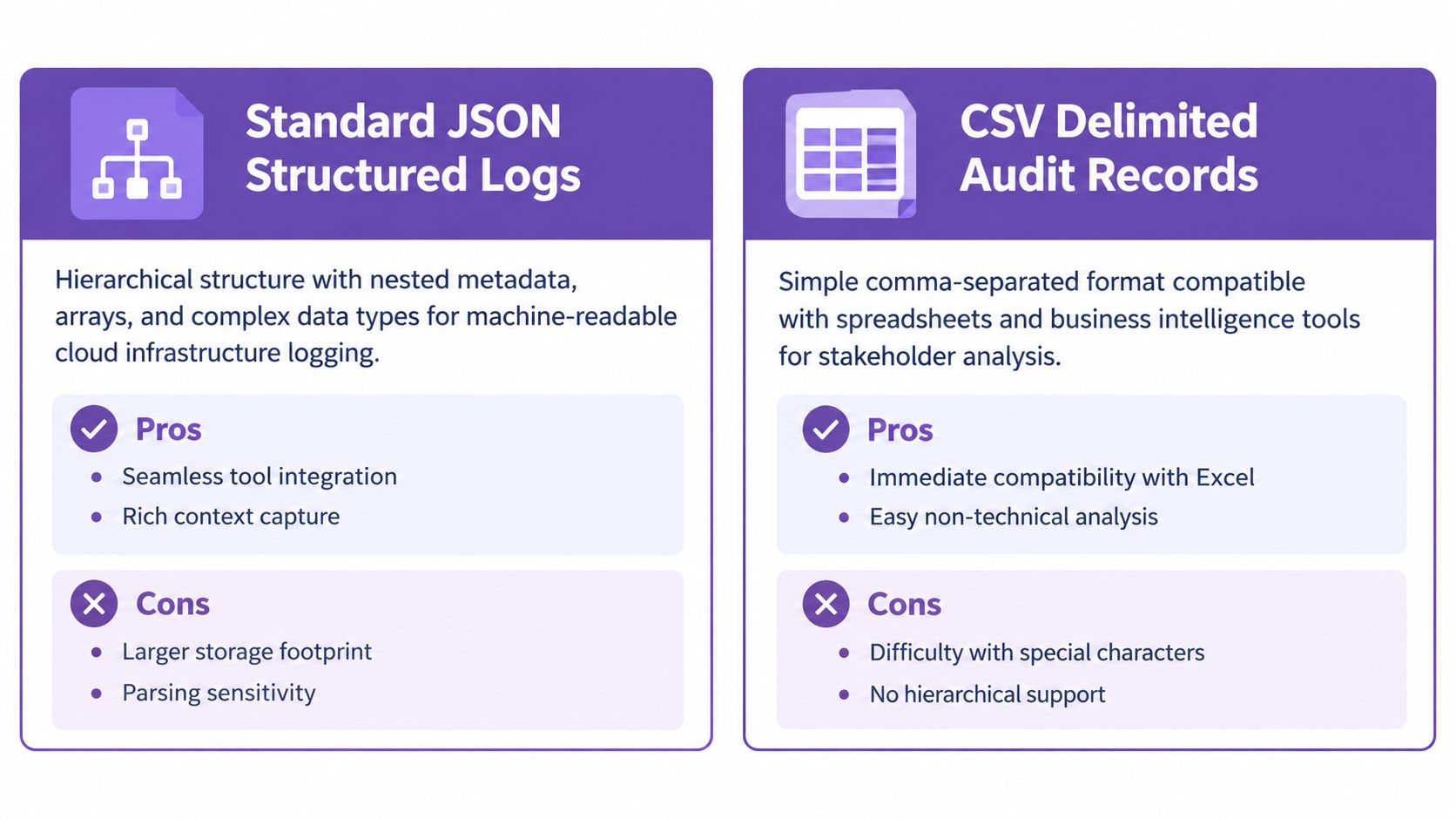
Validate the schema before ingestion, keep field names consistent, and test parsers against representative events. JSON is excellent for machines, but malformed nesting or inconsistent names can make a technically present record difficult to query.
Practical rule: Capture the requested action and the resulting state separately. “Resize requested” isn't the same as “resize completed.”
AWS CloudTrail Format
CloudTrail is the record to inspect when a scheduled AWS operation needs independent API evidence. An EC2 stop, RDS modification, or ElastiCache reboot should be traceable to a caller identity, UTC timestamp, source IP, request parameters, and response details. That lets an operator decide whether the action was expected, failed safely, or needs escalation.
For a multi-account environment, compare the CloudTrail principal with the scheduler's configured service identity and the target account. Store the evidence centrally, restrict deletion rights, and connect relevant events to CloudWatch alerts. Audit trail management provides useful operational context for preserving and reviewing these records.
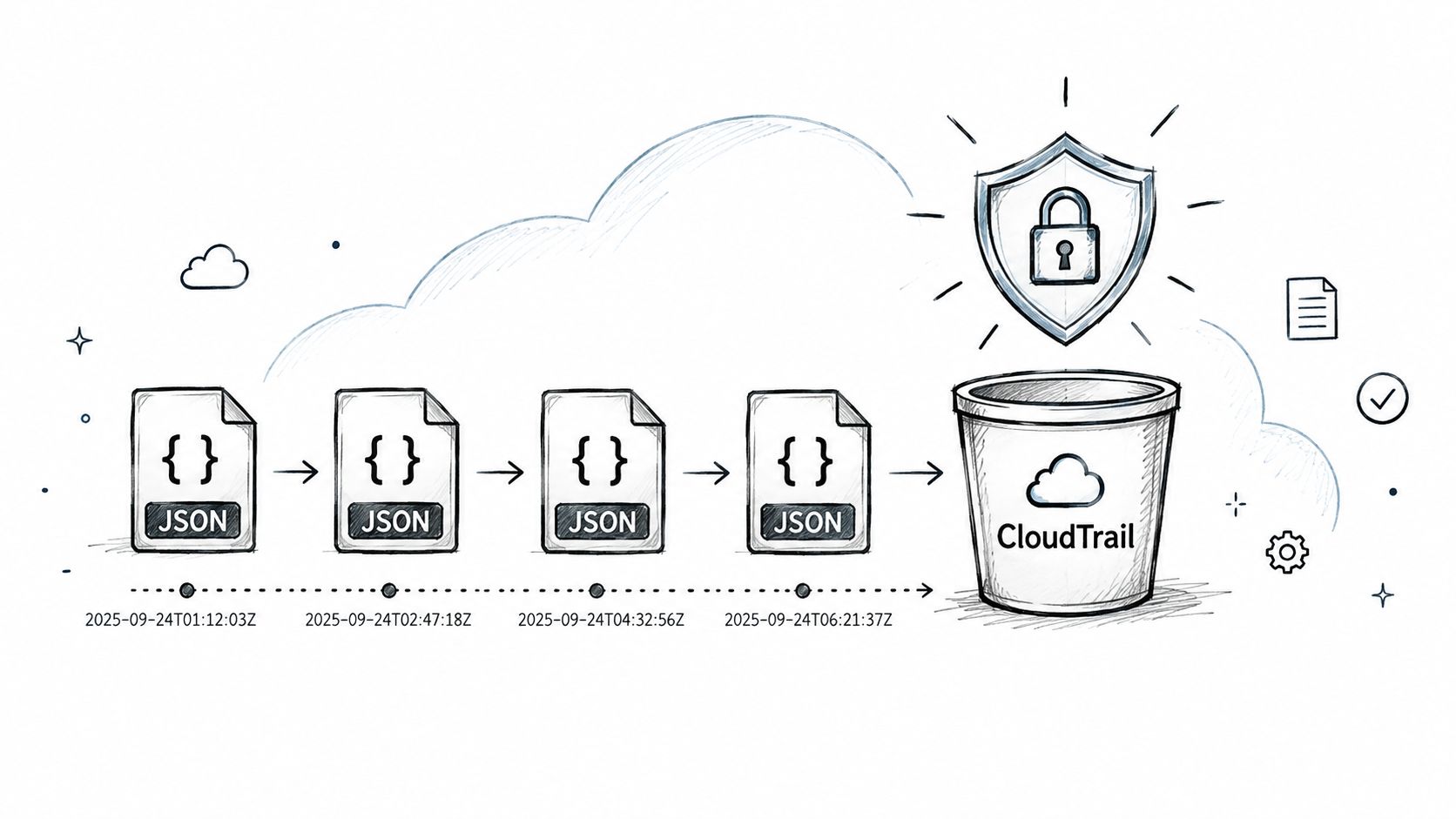
CloudTrail evidence is strongest when the request and response can be correlated with the scheduler's own event. A mismatch in actor, region, or resource should trigger a permissions review before anyone retries the operation.
Syslog RFC5424 Format
Syslog remains useful when cloud workloads share an operational trail with Linux hosts, network devices, Kubernetes systems, or on-premises servers. RFC5424 records provide priority, timestamp, host, application identity, and structured data, allowing an investigator to line up a scheduler event with a host-side restart or network change.
Use synchronized clocks and transport syslog over TLS with certificate validation. The collector also needs capacity monitoring and failover, because losing the central receiver can erase the context needed to explain an otherwise valid AWS event.
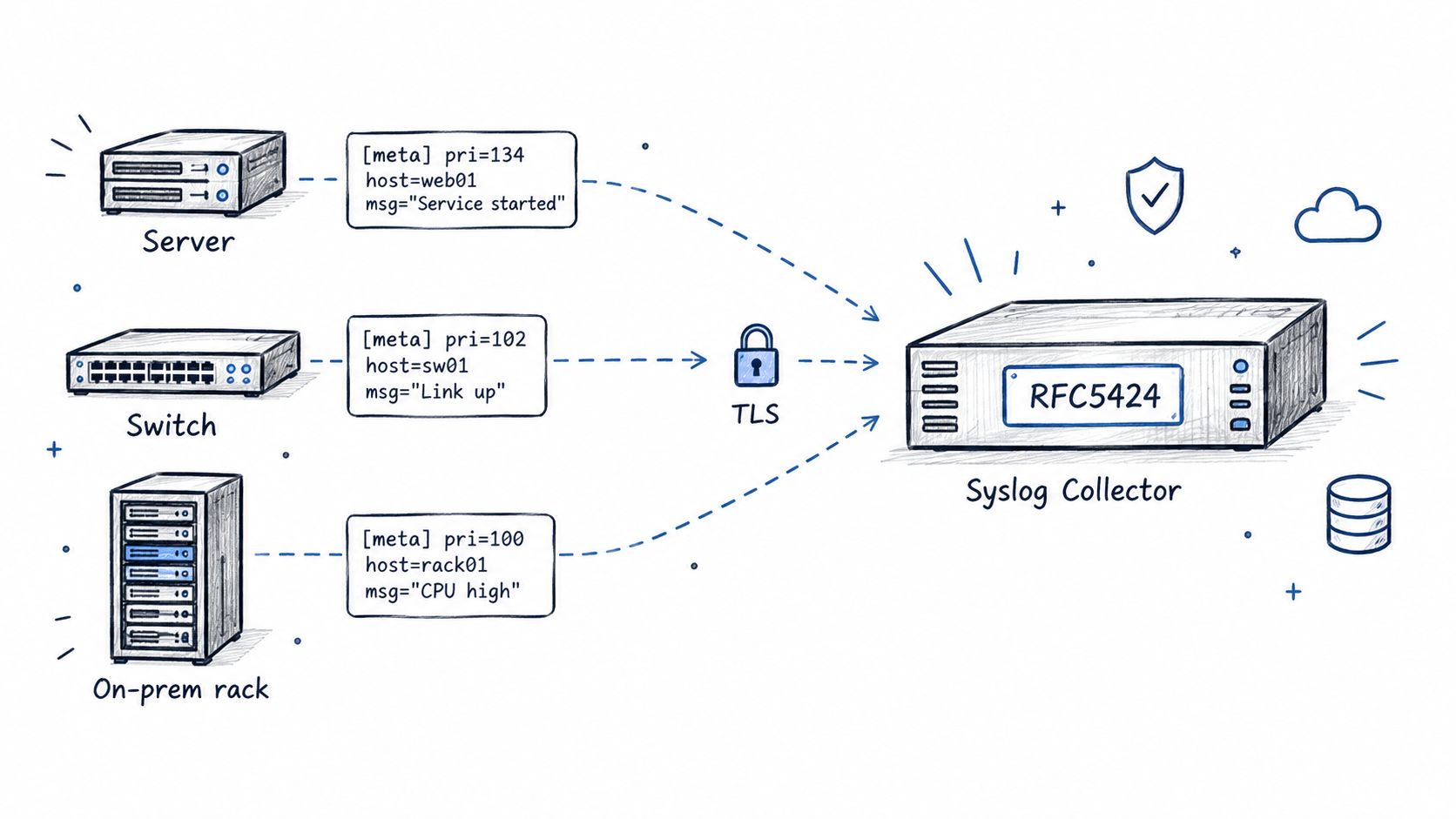
A failed Linux service after a scheduled reboot may look unrelated if timestamps drift or the collector strips structured fields. Keep the original message and use a normalized copy for searches. For Windows investigations, failed logon event guidance can help connect authentication activity to administrative changes.
CSV Delimited Audit Records
CSV is less expressive than JSON, but it remains effective for review by compliance, finance, and operations teams. An export of Server Scheduler actions can show the resource, operation, schedule, result, and responsible identity in columns that auditors can filter without specialized tooling.
The trade-off is context. Commas, quotes, line breaks, and empty values need proper escaping, while schema changes can silently break spreadsheet workflows. Include headers, document field meanings, validate imports, and preserve the schema version with the export.
A monthly report might show that a database resize was requested but returned a failure outcome. The next decision is then clear: inspect the underlying AWS event and permissions instead of treating the scheduled row as proof of completion. For SQL-focused comparisons, date comparison guidance offers a related way to reason about time-based records.
Apache Common Log Format
Apache Common Log Format is compact text built around HTTP requests. It works well for API gateways, load balancers, reverse proxies, and REST endpoints that receive scheduling requests. A record can reveal the client address, request time, method, path, status, and response size.
CLF is easy to grep during a fast incident response, but the standard fields may not identify the exact cloud resource or scheduling rule. Use an extended format when investigators need request IDs, tenant context, or outcome details beyond the HTTP response.
A proxy entry showing a successful request only proves that the endpoint responded. It doesn't prove that an EC2 stop completed. Correlate the request with the application result and CloudTrail event before closing the investigation.
ISO 8601 Timestamp Logs
Time ordering determines whether a scheduled operation explains a reboot, resize, or cache interruption. ISO 8601 timestamps with an explicit UTC marker prevent local-time assumptions from corrupting the sequence, especially when teams operate across regions.
Use UTC internally, retain millisecond precision for distributed correlation, and convert to local time only for display. Scheduling across time zones is especially relevant when a visual schedule and infrastructure events use different regional settings.
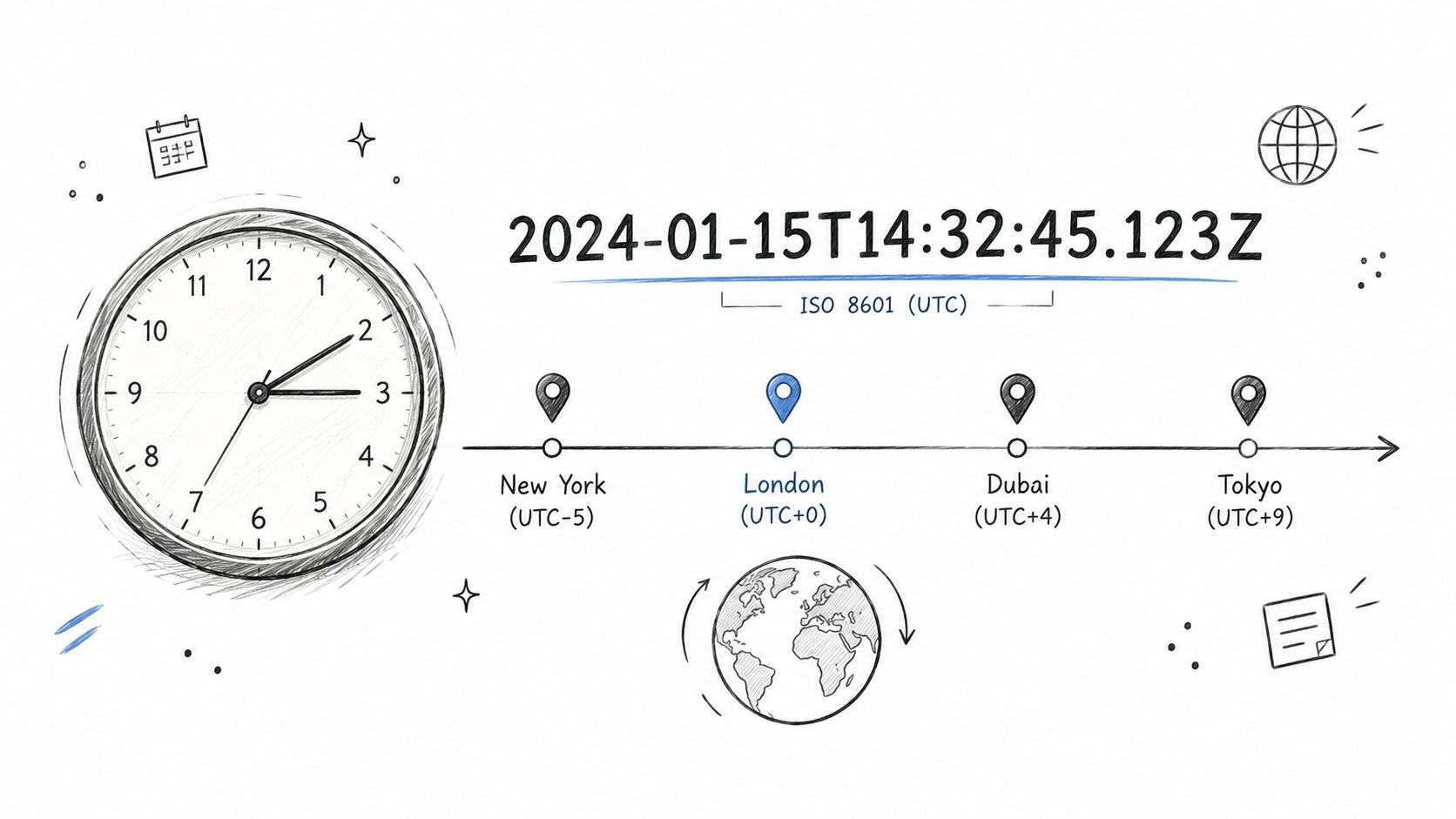
A timestamp without timezone context is incomplete evidence. If the scheduler says an action ran at one local hour but CloudTrail records another UTC time, normalize both before deciding that the schedule misfired.
Custom Application Audit Format
A custom format can add the business context that infrastructure logs omit. Server Scheduler could record a rule identifier, deployment region, resource class, policy applicability, and operation outcome alongside the standard actor, action, resource, and UTC timestamp fields.
Keep those extensions documented and version-controlled with the application. Do not store credentials or tokens in audit records. Secure audit logging practices recommend minimization, masking, access controls, encryption, and tamper-evident protection.
A rule identifier can explain why a staging database resized while a generic API event cannot. Review custom fields periodically, remove fields nobody uses, and maintain a migration path when the schema changes. For workflow governance, change management automation is a relevant companion topic. Teams evaluating an integration may also review this compliance audit API.
7-Format Audit Log Comparison
| Format | Implementation Complexity 🔄 | Resource Requirements ⚡ | Expected Outcomes ⭐📊 | Ideal Use Cases | Key Advantages 💡 |
|---|---|---|---|---|---|
| Standard JSON Structured Logs | Moderate, schema design & validation required 🔄 | Medium, larger storage & indexing needs ⚡ | High, rich context, powerful queries ⭐⭐⭐⭐ 📊 | Cloud-native logging, real-time alerting, multi-field analysis | Seamless integration with aggregators; extensible fields |
| AWS CloudTrail Format | Low, managed setup but requires policy/config 🔄 | High, very large volume and long-term storage ⚡ | Very high, immutable, comprehensive audit trail ⭐⭐⭐⭐⭐ 📊 | Compliance, security investigations, multi-account auditing | Native AWS integration; integrity validation & immutability |
| Syslog (RFC5424) | Moderate, collectors, TLS, NTP sync required 🔄 | Medium, network and collector infrastructure ⚡ | High, unified hybrid logging with structured meta ⭐⭐⭐⭐ 📊 | Hybrid cloud/on‑prem centralized logging, device logs | Universal compatibility; TLS support; mature ecosystem |
| CSV Delimited Audit Records | Low, trivial to generate and export 🔄 | Low, efficient, highly compressible storage ⚡ | Medium, easy stakeholder analysis but limited structure ⭐⭐⭐ 📊 | Compliance reports, finance reviews, non‑technical stakeholders | Immediate Excel/BI compatibility; minimal parsing overhead |
| Apache Common Log Format (CLF) | Low, single-line, minimal parsing required 🔄 | Low, very low overhead for high-volume logs ⚡ | Low–Medium, quick triage but limited context ⭐⭐📊 | Web access logs, load balancers, grep-based investigations | Human-readable, grep/awk-friendly, minimal cost |
| ISO 8601 Timestamp Logs | Minimal, adopt standard timestamp formatting 🔄 | Minimal, small storage overhead vs Unix epoch ⚡ | High, unambiguous ordering and cross-system correlation ⭐⭐⭐⭐ 📊 | Any distributed system needing accurate sequencing | Clear timezone semantics; sorts naturally; compliance-friendly |
| Custom Application Audit Format | High, schema design, versioning, validation required 🔄 | Variable, may need custom parsing & storage tooling ⚡ | High, tailored business insights but integration risk ⭐⭐⭐⭐ 📊 | Domain-specific reporting, FinOps, business-aligned audits | Captures domain fields (cost, rules); directly supports decisions |
Turn Log Samples Into Reliable Operations
Review every record in the same order: confirm the UTC timestamp, identify the actor or scheduler, verify the target resource and requested action, compare request and outcome fields, then preserve the event for correlation. A complete attribution chain makes the record useful for response and forensics, as summarized in audit log field guidance.
A useful audit record should make the next safe action obvious.
Standardize JSON fields, retain CloudTrail evidence, export accessible CSV reports, and use a visual scheduler when recurring EC2, RDS, and ElastiCache actions need predictable execution. For more operational reading, see scheduled EC2 start and stop, scheduled resize operations, and scheduled reboot operations. You can also review audit trails before a deadline with a consistent evidence process.
Server Scheduler combines visual schedules with audit records for recurring start, stop, resize, and reboot operations across EC2, RDS, and ElastiCache. Review your current scheduling evidence, define the fields you need, and visit Server Scheduler to manage those operations without scripts.