Alter Table Column Size with No Downtime

Running an ALTER TABLE to change a column's size feels like a simple, everyday task. But in a live production environment, it's a high-stakes operation. Most database systems don't just tweak the metadata; they often need to rewrite the entire table. This process locks it down, making it unavailable while the operation runs. Suddenly, your "simple change" has mushroomed into a full-blown production incident.
Need a hand with complex scheduling and database maintenance? Server Scheduler helps you automate routine tasks like starting, stopping, and resizing your cloud databases, turning risky manual operations into safe, repeatable workflows.
Contents
Ready to Slash Your AWS Costs?
Stop paying for idle resources. Server Scheduler automatically turns off your non-production servers when you're not using them.
Understanding the Risks of Altering Columns
Executing a command to alter table column size on a table with millions—or billions—of rows is anything but a trivial update. With databases like SQL Server or MySQL, the engine often has to create a new version of the table in the background, painstakingly copy every single row over, and then swap the old table out for the new one. This is an incredibly resource-intensive process. It generates a massive amount of I/O as data is read from the old structure and written to the new one, which can easily saturate your storage and slow down every other application using the same database.
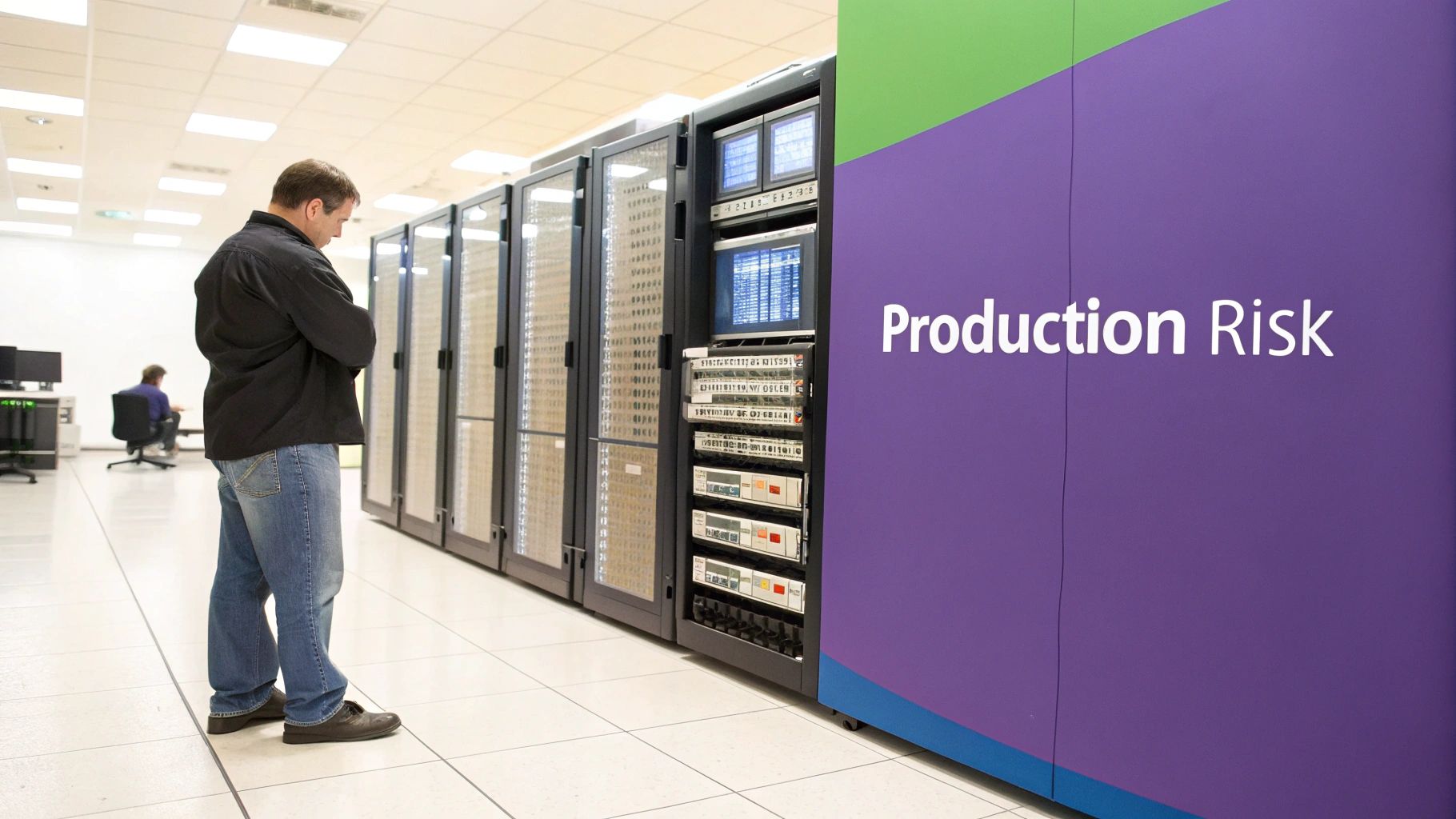
The most immediate—and painful—consequence of a naive ALTER TABLE is the exclusive lock it places on the table. While the database is busy rewriting all that data, it blocks every incoming read and write request. For your application, this means any feature relying on that table becomes completely unresponsive. Users will see timeouts, errors, and a frozen UI, leading to a complete outage for that part of your service. In a busy production environment, this downtime can last for minutes or even drag on for hours, depending on the table's size.
Callout: A table lock is the silent killer of application availability. While the database is diligently working, your users see a broken product. The longer the lock, the greater the business impact.
Beyond performance hits and downtime, you've got data integrity risks to worry about. The most obvious is data truncation, which happens if you try to shrink a column's size to something smaller than the data already in it. Most databases will throw an error, but it's a check you must perform before running the migration. Getting a handle on these hidden dangers is the first and most critical step. It shifts your thinking from "how do I write the SQL?" to "how do I build a safe, zero-downtime migration strategy?"
The Standard SQL Approach (And Its Hidden Dangers)
At first glance, the syntax for altering a column's size seems simple enough. If you know your way around SQL, running a command to modify a column feels like a basic, everyday task. But while the commands are straightforward, the real-world consequences can be anything but. When you're dealing with a massive production table, the direct ALTER TABLE command is a classic trap. It looks easy, but it can lock up your table and bring your application to a grinding halt.
The syntax across the major databases is pretty intuitive. For PostgreSQL, the command is ALTER TABLE users ALTER COLUMN username TYPE VARCHAR(100);. MySQL uses MODIFY COLUMN, and SQL Server uses ALTER COLUMN. These commands execute in a flash on a small test table, but the danger comes from assuming this performance scales to a production table with millions of records. Behind that simple syntax is a potentially brutal execution plan.
The real price you pay for a standard ALTER TABLE isn't the CPU cycles—it's the exclusive lock. When a database has to rewrite a table, it locks it down completely. No reads. No writes. This downtime can drag on for minutes or even hours, all depending on the table's size and your server's I/O performance. The impact is felt immediately, causing a cascade of application timeouts and failures. The takeaway is that a direct ALTER TABLE is a high-stakes move on any major RDBMS.
Increasing a column's size is mostly an availability and performance headache. Decreasing it, however, adds a much scarier problem to the mix: data truncation. If you try to shrink a VARCHAR(100) column down to VARCHAR(50), any data longer than 50 characters will either be permanently chopped off or the entire operation will fail. Before you even think about shrinking a column, you absolutely must run a check like SELECT MAX(LENGTH(username)) FROM users;. This simple query reveals the length of the longest string currently in the column.
The Zero-Downtime Strategy: Create, Copy, and Swap
When a direct ALTER TABLE is just too risky, you need a better playbook. Locking up a massive production table, even for a few minutes, is a recipe for disaster. This is where the battle-tested "create, copy, and swap" method comes in. It's the gold standard for resizing columns on huge tables because it completely sidesteps the locking and performance hits of an in-place modification. The strategy is simple at its core: build a new, perfectly structured table on the side, migrate the data over in manageable pieces, and then perform a nearly instantaneous switcheroo.
First, you create a new table that mirrors the original but with your desired column size changes already in place. This is your chance to get the schema perfect before a single row of data is moved. For example, to expand a product_description column from VARCHAR(255) to VARCHAR(1000), you would create products_new with the updated schema. A crucial tip here is to only create the table structure and the primary key for now. Hold off on adding other indexes, foreign keys, or triggers, as they will slow down the data copy.
With the new table waiting, it's time to move the data incrementally. Instead of a massive, long-running INSERT...SELECT, you copy the data in small, digestible chunks. This is the secret to keeping your live system responsive. A simple script can copy the data in batches of 10,000 to 50,000 rows at a time, keeping each transaction small and quick. You can set up triggers on the original table to mirror writes, updates, and deletes to products_new to keep everything in sync during the copy process.
Once products_new is fully populated and in sync, it's time for the swap. This is done with a couple of RENAME commands wrapped in a single transaction, making the switch atomic and nearly instantaneous. ALTER TABLE products RENAME TO products_old; followed by ALTER TABLE products_new RENAME TO products;. Just like that, your application is hitting the new table. The old table, now products_old, hangs around as a temporary safety net. After verifying everything is running smoothly, you can apply the remaining indexes and constraints to the new products table and then safely drop products_old.

Managing Indexes and Database Dependencies
A column in a production database rarely lives in isolation. It’s almost always tied into a web of other objects—indexes, foreign keys, and constraints. Trying to alter table column size without dealing with these dependencies is a recipe for things to go very wrong. Most database systems will refuse to modify a column that's part of an index or foreign key, forcing you into a multi-step dance: drop the dependent objects, run your alteration, and then meticulously put everything back together.
Before you write a DROP statement, your first job is to identify every single index, foreign key, view, and stored procedure that touches the column. Databases provide system catalog views to make this discovery process manageable. In SQL Server, you can use views like sys.indexes and sys.foreign_keys, while PostgreSQL offers pg_catalog.pg_constraint. Running queries against these catalogs gives you a complete hit list of every object you need to handle. Don't rush this step; missing just one dependency can make your migration script fail mid-run.
The workflow demands precision: temporarily peel away the constraints, modify the column, and then restore everything. The best approach is to script out the CREATE statements for every index and constraint before you drop them. This gives you a perfect blueprint for rebuilding everything later. The final piece of this puzzle is timing. Dropping an index is usually fast, but recreating an index on a table with millions of rows is an intense, resource-heavy process. You must plan these operations for a low-traffic maintenance window. The ALTER command itself might be quick, but the index rebuild is the part you need to schedule carefully.
| Phase | Action | Purpose |
|---|---|---|
| Preparation | Script CREATE statements for all dependent objects. |
Ensures you can perfectly restore the database schema. |
| Execution | DROP all dependent objects from the table. |
Removes blockers so the ALTER TABLE command can run. |
| Migration | Run the ALTER TABLE ... ALTER COLUMN command. |
The core operation to resize the column. |
| Reconstruction | Execute the saved CREATE scripts to rebuild all objects. |
Restores database performance and integrity checks. |
By proactively identifying, scripting, and managing these dependencies, you turn what could be a risky, unpredictable operation into a controlled, predictable maintenance task.
How to Test and Verify Your Migration Plan
Pushing a schema change to production without rigorous testing is a gamble you just can't afford. A well-rehearsed plan is the only thing standing between a smooth deployment and a frantic, late-night rollback. This entire phase is about building confidence and eliminating surprises before you touch your live environment. Your staging database should be a near-perfect clone of production—data volume, indexes, server configuration, and all. Testing on a table with 1,000 rows tells you nothing about performance on 100 million rows. For a deeper look, our guide on test environment management best practices is a great resource.
 SET STATISTICS IO ON and
 SET STATISTICS TIME ON to get granular metrics on the I/O and CPU consumed by your operation. This data is pure gold for understanding the stress the migration will put on production hardware. After the test migration runs, verification is everything. Run checksums or simple row counts on both the original and new tables to confirm they match perfectly. Just as important is application testing. Point a staging version of your app to the migrated database and run your full suite of integration and load tests.
Finally, hope is not a strategy. You must create and rehearse a rollback plan. What's the escape hatch if the migration fails or causes an unexpected production fire? Your rollback script should be just as tested and reliable as your migration script. Practice the rollback in your staging environment. Time it. Document every single step. This rehearsal is what allows your team to act decisively and calmly if an issue arises, turning a potential catastrophe into a controlled, manageable event.
Common Questions Answered
When it comes to altering a table column's size, even a rock-solid plan can hit you with unexpected questions. Every production environment has its own quirks, and the process has a lot of moving parts. Here are some direct answers to the most common things that come up during these critical database migrations, helping you tackle the practical, real-world challenges that standard guides often miss.
You can technically list multiple column changes in a single ALTER TABLE command, but this brings back all the risks of locking a live table. A much safer route is the create, copy, and swap method. This strategy is perfect for handling multiple changes simultaneously. When you build the new _new table, you can define all your column modifications at once—resizing several columns, tweaking data types, or even adding new ones. It consolidates the whole migration into a single, controlled process.
Trying to shrink a column below its existing data size is a scenario that all major database systems are built to prevent because it would mean silently losing data. If you try to shrink a VARCHAR column to a size smaller than the longest string currently in there, the database will almost always throw an error and kill the operation. Before you even think about shrinking a column, run a quick check to find the maximum data length currently in it: SELECT MAX(LENGTH(your_column_name)) FROM your_table;.
A standard in-place ALTER TABLE can be catastrophic for database replication. The table rewrite generates a massive flood of transaction log activity, which can overwhelm your replication pipeline and cause subscribers to fall dangerously behind. The create, copy, and swap method, on the other hand, is much friendlier to your replicas. Copying data in small, manageable chunks creates a stream of smaller transactions that are far easier for the replication process to digest than one single, gigantic transaction.
Related Articles
- MySQL Cheat Sheet For Everyday Use Cases
- How To Properly Back Up a Linux Server
- Test Environment Management Best Practices
Ready to stop wrestling with manual database maintenance? Server Scheduler provides a simple, visual way to automate start/stop, resize, and reboot operations for your AWS infrastructure, helping you cut cloud costs by up to 70%. Try Server Scheduler today.