Your Essential MySQL Cheat Sheet for Developers

For anyone working with MySQL, a good cheat sheet is an absolute lifesaver. It’s a quick-reference guide that pulls together the most common SQL commands and syntax into one place, saving you from constantly digging through documentation. This guide is designed to be that single source of truth, moving beyond simple lists to provide context and practical examples for developers and database administrators alike. Think of it as your go-to resource for creating databases, tweaking tables, wrangling data, and managing users. It's a massive productivity booster, turning what could be a 10-minute search into a 10-second copy-paste.
Ready to stop overspending on your cloud bill? Server Scheduler helps you automate stopping and starting your AWS resources like RDS and EC2, cutting costs by up to 70%.
Contents
- Understanding Core MySQL Commands
- Mastering Data Selection With Advanced Queries
- Choosing the Right MySQL Data Types
- Managing Users and Security Permissions
- Essential Database Backup and Restoration Commands
- Performing Quick Performance Tuning Checks
- Common MySQL Questions and Answers
- Useful MySQL Snippets for AWS RDS
Ready to Slash Your AWS Costs?
Stop paying for idle resources. Server Scheduler automatically turns off your non-production servers when you're not using them.
Understanding Core MySQL Commands
For developers and DBAs, a solid MySQL cheat sheet isn't just nice to have—it's essential for efficient workflow. Having a reliable reference at your fingertips makes complex tasks feel routine and dramatically speeds up development. This is especially true for the foundational commands that build and manipulate database structures. These commands are split into two main categories: Data Definition Language (DDL) for defining the database schema, and Data Manipulation Language (DML) for interacting with the data itself. According to WebCreek's 2025 report, MySQL remains one of the most popular databases, making mastery of these commands a critical skill.
DDL statements are the blueprint for your database. They don't touch the data itself but instead define the structure where the data lives. You'll use CREATE DATABASE to start a new project, USE to select which database you want to work with, CREATE TABLE to lay out the columns and data types for your tables, and ALTER TABLE to modify existing tables as your application's needs evolve. These commands are the architectural backbone of your entire data storage system.
If DDL builds the house, DML is how you move the furniture in and out. These commands handle the actual data inside your tables and are part of your daily routine. The most common DML operations are often summarized by the CRUD acronym: Create, Read, Update, and Delete. In SQL, this translates to INSERT INTO for adding new records, SELECT for retrieving data, UPDATE for modifying existing records, and DELETE for removing them. Mastering these DML commands is the first step toward building and managing powerful, data-driven applications.
 Mastering Data Selection With Advanced Queries
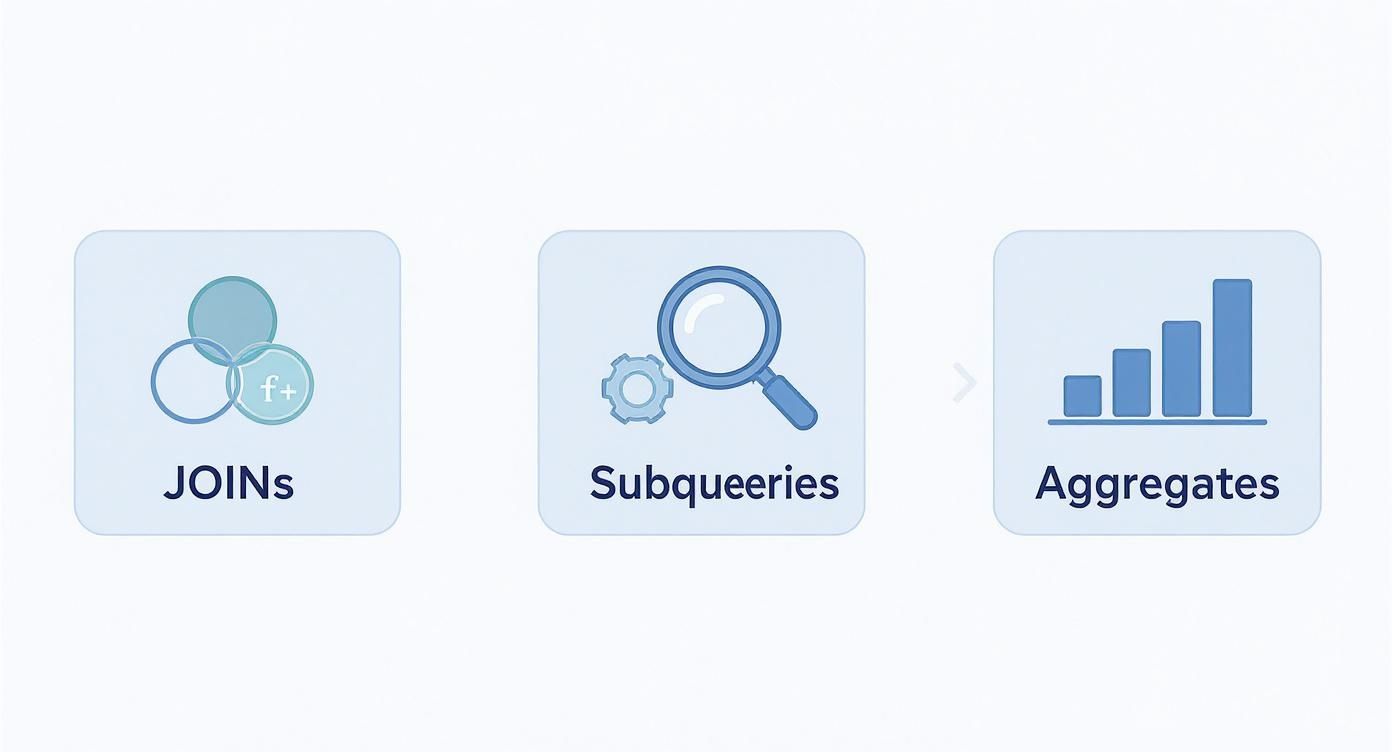
While basic SELECT statements are great for pulling raw data, the real power of SQL is unlocked when you start building more sophisticated queries. This is where you move from just fetching data to performing deep analysis. A key concept here is the JOIN operation. Most databases store related information across multiple tables, and JOIN clauses are the glue you use to link them together based on a common column. The most common types are INNER JOIN, which returns only rows that match in both tables, and LEFT JOIN, which returns all rows from the left table and any matching rows from the right. These are fundamental for creating meaningful reports from normalized data structures.
Another powerful technique is the subquery, which is a query nested inside another SQL query. This allows you to perform multi-step lookups where the result of one query becomes the input for the next. For instance, you could use a subquery to find all employees who work in a department located in 'New York'. The inner query would first find the department_id for 'New York', and the outer query would then grab all employees with that department_id. This approach helps break down complex problems into smaller, more manageable logical steps.
Aggregate functions are all about number crunching. They perform a calculation on a set of values and return a single, summary value, which is essential for reporting and analytics. You'll almost always see functions like COUNT(), SUM(), and AVG() paired with a GROUP BY clause, which bundles rows with the same values into summary rows. A common point of confusion is the difference between WHERE and HAVING. The WHERE clause filters rows before any grouping occurs, while the HAVING clause filters groups after the aggregate functions have done their work. This distinction is crucial for building accurate reports.
Choosing the Right MySQL Data Types
Picking the right data type for your columns is a critical decision in database design that impacts storage efficiency, data integrity, and query performance. For numbers, INT is the workhorse for whole numbers like user IDs, while DECIMAL is the non-negotiable choice for financial data where exact precision is required. For text, VARCHAR(n) is ideal for variable-length strings like names or emails, as it only uses storage for the characters you actually input. In contrast, CHAR(n) is a fixed-length string, making it a better fit for data that is always the same length, such as two-letter country codes. For large blocks of text like blog posts, the TEXT type is the appropriate choice.
Handling dates and times is another core requirement. MySQL offers DATETIME for storing fixed date and time information, perfect for things like a scheduled event that isn't affected by time zones. The TIMESTAMP data type is timezone-aware; it converts the value from the current session's time zone to UTC for storage and back again on retrieval. This makes it ideal for tracking changes in globally distributed applications, such as a last_updated column. Making the right choice from the start prevents sluggish performance and data corruption issues down the line.
| Data Type | Storage Size | Description & Common Use Case |
|---|---|---|
INT |
4 bytes | A standard integer. Perfect for user IDs, counts, and primary keys. |
VARCHAR(n) |
n chars + 1-2 bytes |
Variable-length string. The go-to for names, emails, and other text of unpredictable length. |
DECIMAL(p,s) |
Varies | Stores exact fixed-point numbers. Essential for financial data like prices or salaries. |
TIMESTAMP |
4 bytes | Stores date and time, but is timezone-aware (converts to/from UTC). Great for created_at. |
TEXT |
Varies | For long-form text. Think blog posts, product descriptions, or user comments. |
Managing Users and Security Permissions
Database security is a massive responsibility, and solid user management is its foundation. A smart permissions model ensures that users and applications can only access the data they absolutely need, dramatically reducing the risk of accidental errors or malicious attacks. The first step is to create dedicated user accounts with the CREATE USER command, always assigning a strong password and never using the root account for applications. For example, CREATE USER 'app_user'@'localhost' IDENTIFIED BY 'a_strong_password'; creates a user that can only connect from the local machine.
Once a user is created, they have no permissions by default. The GRANT statement is used to assign specific privileges. You can be highly granular, granting access to an entire database (database_name.*) or just a single table. The golden rule is the "principle of least privilege": only grant the minimum permissions a user needs to perform their job. For instance, an application user might only need SELECT, INSERT, and UPDATE on specific tables. Conversely, the REVOKE command is used to remove permissions when a user's role changes. Proper user management, including addressing issues like the common MySQL Error 1045, is a non-negotiable part of keeping your data safe.
 Essential Database Backup and Restoration Commands
Data protection is one of the most critical responsibilities of a database administrator. A reliable backup is your lifeline when hardware fails, data becomes corrupted, or human error occurs. The standard tool for creating logical backups in MySQL is mysqldump. This utility generates a .sql file containing the CREATE TABLE and INSERT INTO statements needed to completely rebuild your database from scratch. You can use it to back up a single database with a command like mysqldump -u user -p database_name > backup.sql, or use the --all-databases flag for a full server backup.
Restoring data is just as crucial as backing it up. The process involves using the standard mysql client to import the .sql file created by mysqldump. First, you must create an empty database to restore into, as the dump file itself does not create the database. Once the empty database is ready, you can import the data using mysql -u user -p database_name < backup.sql. This command reads the SQL statements from your backup file and executes them, rebuilding the tables and repopulating them with your data. Automating this process is key to a robust disaster recovery strategy, a topic we cover more in our guide to backing up Linux systems.
Important Note: A common trip-up for newcomers is forgetting to create the database before importing. A single-database dump from
mysqldumpwon't create the database for you. You have to create it first before you can import the data.
Performing Quick Performance Tuning Checks
Catching performance bottlenecks before they escalate is a core skill for any database manager. The first step in fixing a slow query is understanding its execution plan using the EXPLAIN statement. By prefixing your SELECT query with EXPLAIN, MySQL will show you the exact steps it plans to take to fetch the data, including which indexes are used. A "full table scan," indicated by ALL in the type column, is a major red flag, as it means MySQL is inefficiently reading every row in the table.
Once EXPLAIN highlights a problem, the solution is often to add an index. A database index functions like an index in a book, allowing the database to find data quickly without scanning the entire table. You should create indexes on columns that are frequently used in WHERE clauses or JOIN conditions. For example, CREATE INDEX idx_lastname ON customers (last_name); can dramatically speed up queries filtering by last name. Beyond indexing, simple query optimizations like avoiding SELECT * in favor of specifying only the columns you need can significantly reduce network traffic and memory usage.
Common MySQL Questions and Answers
Certain questions frequently arise when working with MySQL. One of the most common is the difference between CHAR and VARCHAR. CHAR(n) is a fixed-length data type that always allocates n characters of space, padding shorter strings with spaces. This makes it suitable for data of a consistent length, like country codes. VARCHAR(n), being variable-length, only uses the space needed for the actual characters stored, making it more efficient for data of unpredictable length like names or email addresses.
Another frequent question is why queries sometimes use COUNT(1) instead of COUNT(*). In modern versions of MySQL using the InnoDB storage engine, there is absolutely no performance difference between the two. The optimizer is smart enough to recognize that both are simply requests for a total row count and handles them identically. The use of COUNT(1) is a holdover from older database systems where it was thought to be faster. Today, it is purely a matter of stylistic preference, and you can use whichever you find more readable.
Useful MySQL Snippets for AWS RDS
Running MySQL on Amazon RDS introduces a management layer that changes how you interact with your database. Instead of connecting to localhost, you use a unique DNS endpoint provided by AWS, and you must ensure your IP address is whitelisted in the instance's security group. The connection command itself is standard: mysql -h your-rds-endpoint -u your_username -p. However, much of the daily management for DevOps teams happens via the AWS Command Line Interface (CLI), not the SQL prompt.
The AWS CLI is essential for automating and scripting database operations. You can use it for tasks like creating new instances (aws rds create-db-instance), modifying existing ones (aws rds modify-db-instance), or taking manual snapshots (aws rds create-db-snapshot). These commands are the building blocks for managing your database infrastructure as code. For cost optimization, automating start and stop times for non-production instances is a common and effective strategy. Tools like Server Scheduler simplify this process, helping you schedule AWS RDS start and stop times to avoid paying for idle resources during off-hours.