AWS Cost Reduction Tools: 10 Options Compared for 2026
Your staging environment is still running. The team logs off at 6, but the EC2 instances and RDS databases keep billing until morning. Before you buy another AWS cost reduction tool, name the waste. Idle hours, oversized instances, missing discounts, and spend nobody can see are different problems.
If the bill is mostly nights and weekends, you need a switch, not another chart. Server Scheduler shuts non-production resources down on a schedule you can see.
1. Server Scheduler
Server Scheduler handles waste from idle hours. Its time grid schedules start, stop, resize, and reboot actions for EC2, RDS, and ElastiCache. No cron jobs, scripts, or Terraform are required.
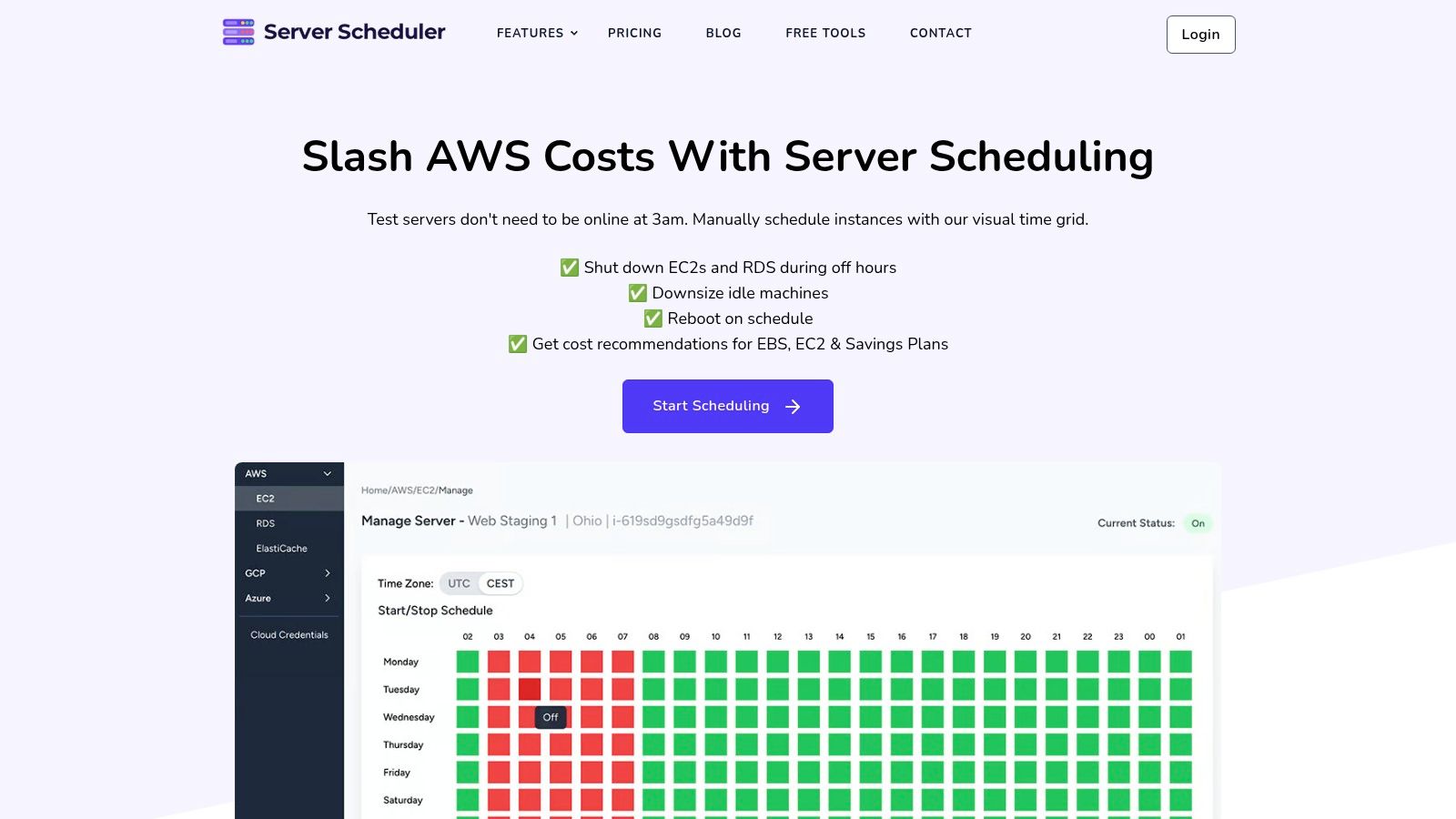
For a staging fleet used during business hours, schedule shutdowns overnight and restarts before the workday. Cloud scheduling software can apply the same approach to recurring schedules. Server Scheduler offers monthly plans for single or multiple cloud accounts, with basic or priority support. AWS is available today; Google Cloud and Azure are listed as coming soon.
2. AWS Cost Optimization Hub
AWS Cost Optimization Hub ranks savings ideas. It does not change a running resource. AWS cost management docs say the hub brings together 18 recommendation types, including rightsizing, idle resources, Savings Plans, and Reserved Instances.
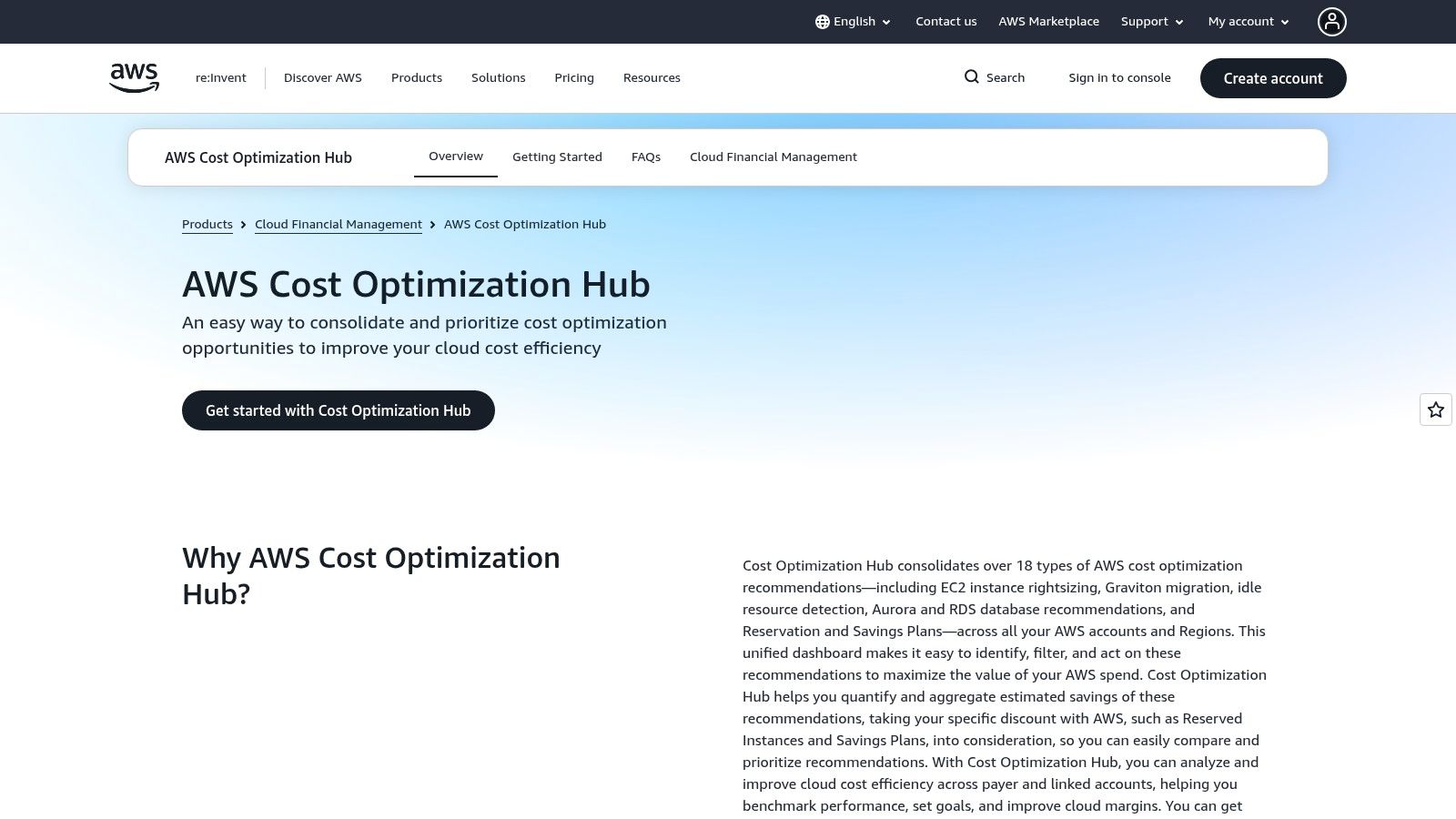
It is free in Billing and Cost Management and covers accounts and Regions. You still apply the change. There is no visual on/off grid.
3. AWS Compute Optimizer
Oversized capacity is this service's job. AWS Compute Optimizer suggests smaller EC2, EBS, Lambda, and RDS shapes from past use, and it estimates what each switch would save from observed utilization and pricing.
Standard recommendations cost nothing; extended metric history is a paid add-on. Every suggestion is advisory. It will not power a host down or resize one on its own, so you apply the change yourself or wire it into your own automation. Check a candidate in an EC2 right-sizing estimator before you touch production.
4. AWS Cost Explorer
AWS Cost Explorer shows where the money went. It never stops or resizes anything. Rightsizing guidance says it reviews the previous 14 days and whether a Reserved Instance, Savings Plan, or On-Demand rate already covers the instance.
Practical rule: A smaller type is not the same cut on the bill when a commitment already pays for those hours.
The AWS bill breakdown explainer helps when a spike is hard to read. Hourly views and API calls can add charges.
5. AWS Instance Scheduler on AWS
Instance Scheduler on AWS starts and stops tagged EC2 and RDS resources across accounts and Regions. You deploy and operate the stack.
EC2 lifecycle notes say a stopped instance drops usage charges, EBS volumes still bill, and the next start is per second with a one-minute minimum.
Idle is not the same as safe to stop. A quiet host may be waiting on a nightly job.
A hosted scheduler comparison is worth a look if you do not want to own that stack.
6. Vantage
Vantage reports and allocates spend. It is not a power switch. Flexera's 2025 State of the Cloud, from more than 750 professionals, found 84% call cloud-spend management a top challenge, and budgets miss plans by 17% on average.
Virtual tags, budgets, and forecasts assign that gap. Paid plans can automate Savings Plans. Staging still runs at 2 a.m. unless something else stops it.
7. ProsperOps
Discount gaps are ProsperOps's lane. The AWS cost decision guide says Savings Plans can reach up to 72% versus On-Demand, depending on plan, term, and use.
You commit dollars per hour. If demand falls, unused commitment still costs money. This is not a dev-environment scheduler. The fee is a share of savings you realize.
8. Finout
Finout splits a messy AWS bill across teams and units. It will not stop an instance. Once the steady hours are obvious, read Savings Plans basics before you lock a rate. Public prices are thin, so expect a sales conversation. AWS Marketplace fits some procurement paths.
9. CloudZero
CloudZero ties dollars to products and teams and flags anomalies. That is ownership, not a shutdown clock. Advisor is free with no login. The full platform is not a simple self-serve price. Skip it if one staging account is the whole problem.
10. Infracost
Infracost prices a code change in review, before anything runs. An estimate is not the invoice. It will not resize or stop what is already up. The open-source CLI is free. Guardrails and dashboards need a paid plan.
Match the Tool to the Waste You Can Actually Remove
Use Cost Explorer or Vantage to find the leak. Use Server Scheduler or Instance Scheduler to cut idle hours. Use Compute Optimizer when the instance is too big. Use ProsperOps once the hours that remain are steady enough to commit.
This week, open one non-production account and list what still runs after 6 p.m. Measure that baseline before you pay for a dashboard that cannot flip the switch.
How the 10 AWS cost reduction tools differ by function, pricing model, and fit
The columns below sort the ten tools by what each one does, whether it changes a running resource, how it charges, and the team it fits.
| Item | Primary function | Changes resources directly? | Pricing model | Best for |
|---|---|---|---|---|
| Server Scheduler | Visual scheduling, resizing, and reboots for EC2, RDS, and ElastiCache | Yes | Monthly plans from €49 | Teams automating AWS savings without building tools |
| AWS Cost Optimization Hub | Consolidates and prioritizes AWS cost-saving recommendations | No; teams implement recommendations | Free AWS feature | AWS teams seeking centralized optimization recommendations |
| AWS Compute Optimizer | Recommends better-fit resource configurations | No; recommendations require review and implementation | Standard recommendations free; enhanced metrics paid | Teams identifying oversized or idle AWS resources |
| AWS Cost Explorer | Analyzes AWS costs, usage, forecasts, and commitments | No | Available in AWS; some usage can incur charges | Teams investigating AWS spend and trends |
| AWS Instance Scheduler on AWS | Schedules tagged EC2 and RDS resources to start and stop | Yes | Deployment and operating costs vary | AWS teams comfortable deploying and managing scheduling components |
| Vantage | Cloud cost reporting, forecasting, and allocation | No; primarily cost visibility | Paid plans | Teams consolidating cost views across providers |
| ProsperOps | Automates commitment discounts such as Savings Plans and Reserved Instances | No; manages discount commitments | Fee is a share of realized savings | Teams with predictable usage optimizing commitment discounts |
| Finout | Cloud cost allocation and reporting | No | Public pricing limited; contact sales | Organizations allocating complex cloud spend across teams |
| CloudZero | Connects cloud costs to products, teams, and business outcomes | No | Platform pricing not generally published | Engineering teams seeking cost accountability and anomaly insights |
| Infracost | Estimates infrastructure costs in code and review workflows | No | Free open-source option; paid features available | Teams reviewing cost impact before deploying infrastructure changes |
Two rows act on infrastructure directly. Server Scheduler and Instance Scheduler start and stop running resources, while the other eight report, recommend, or manage commitments. Pricing splits three ways: Cost Optimization Hub and Compute Optimizer's standard tier are free AWS features, Server Scheduler and Infracost publish self-serve plans, and Finout and CloudZero keep pricing behind a sales conversation. ProsperOps sits apart, since its fee scales with recovered spend rather than seats or accounts.
Related Articles
- Cloud scheduling software. How overnight and weekend windows cut non-production compute.
- EC2 right-sizing. How to test a smaller size before you change production.
- Instance Scheduler versus a hosted grid. What you operate yourself, and what you don't.
- Savings Plans. When a dollar-per-hour commit helps, and when it strands spend.
- Bill breakdowns. How to read a spike before you resize the wrong service.
Server Scheduler gives DevOps and FinOps teams a point-and-click grid to start, stop, resize, and reboot EC2, RDS, and ElastiCache, so staging doesn't bill all night. That is the idle-hours cut these AWS cost reduction tools only report. Visit Server Scheduler to connect an account and set the first weekday window.