A Practical Guide to Building Your AWS RDS Schedule
An automated RDS schedule is one of the simplest yet most effective FinOps moves you can make to stop bleeding money on idle databases. By automatically starting and stopping your non-production RDS instances during off-hours—like nights and weekends—you can slash your AWS bill without getting in the way of your development team.
Ready to stop wasting money on idle databases? See how Server Scheduler can automate your RDS schedule and cut your AWS bill by up to 70%.
Contents
- Understanding The Real Cost Of Idle Databases
- The Shift From Manual Effort To Smart Automation
- Mastering the Native AWS Scheduling Toolkit
- Building an RDS Schedule Without the Complexity
- Moving Beyond Simple Start and Stop Schedules
- Best Practices for a Resilient Scheduling Strategy
- Common Questions About RDS Scheduling
- Related Articles
Ready to Slash Your AWS Costs?
Stop paying for idle resources. Server Scheduler automatically turns off your non-production servers when you're not using them.
Understanding The Real Cost Of Idle Databases
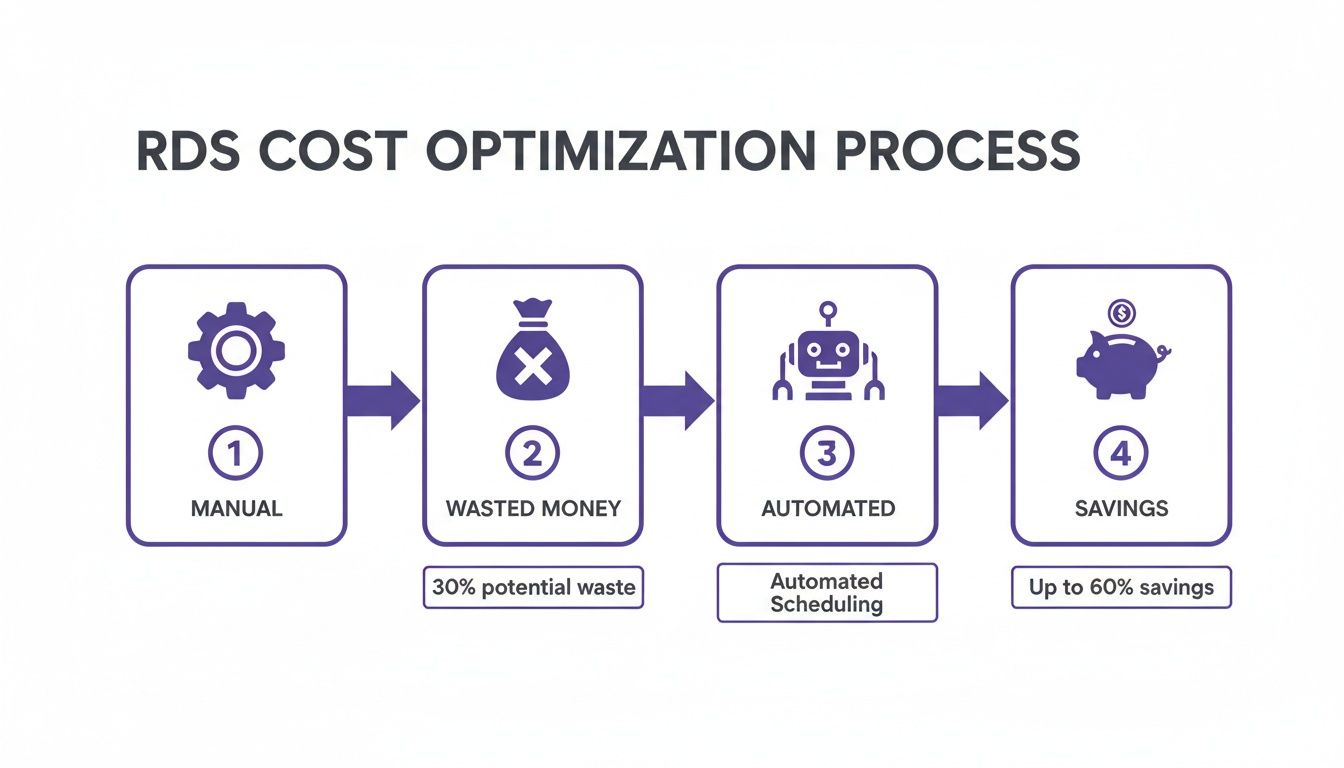
Running development, staging, or QA databases 24/7 is a significant budget drain. These non-production environments are frequently the largest source of cloud waste, sitting completely idle for more than half the time. Every weeknight, weekend, and holiday, they continue to accumulate charges. This wasted spend adds up quickly, consuming funds that could be better allocated to innovation.
The problem is particularly prevalent in the AWS ecosystem. Among its millions of customers, a large number are startups and small businesses for whom every dollar is critical. In these organizations, non-production environments often account for a substantial portion of idle workloads, making an automated rds schedule a prime opportunity for significant savings.
The Shift From Manual Effort To Smart Automation
The traditional method of managing RDS instances often involved a developer manually stopping them on a Friday and hoping they remembered to restart them on Monday. This approach is prone to human error and consumes valuable engineering time. A forgotten shutdown results in paying for a weekend of unnecessary uptime, while a forgotten startup can halt team productivity.
Automated scheduling transforms this process. By setting a clear start/stop cycle, you establish a consistent policy that eliminates guesswork and manual intervention. This is a core principle of effective cloud cost management, ensuring resources are active only when necessary. You can explore more strategies in our guide to AWS cost optimization best practices. Automation is not just a convenience; it is a clear operational and financial victory, freeing up your team to focus on development rather than tedious administrative tasks.
Mastering the Native AWS Scheduling Toolkit
For those looking to build an rds schedule using native AWS tools, several powerful, albeit technical, options are available. These solutions offer direct control, allowing for custom logic tailored to specific needs. The primary methods involve using the AWS Management Console for manual tasks, the AWS Command Line Interface (CLI) for scripting, or a serverless solution with AWS Lambda and Amazon EventBridge.
Each approach has its trade-offs regarding complexity, maintenance, and scalability. The financial incentive is substantial; idle databases can account for up to 70% of an RDS bill. Native scheduling can reclaim these costs but requires careful implementation to avoid issues like script failures or timezone errors that could negate savings.
Building an RDS Schedule Without the Complexity
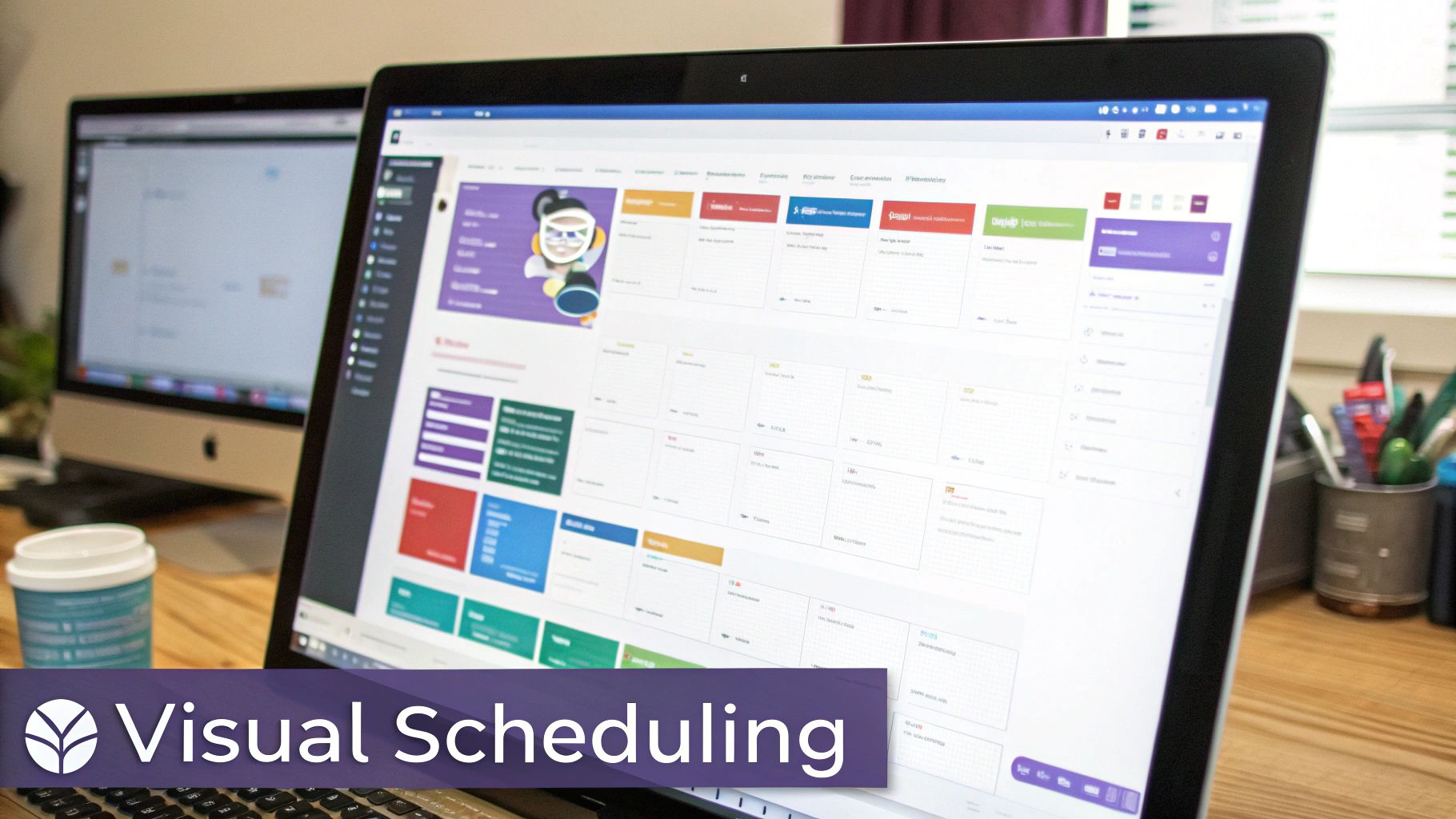
Wrestling with Lambda functions and managing IAM roles to create a simple rds schedule can be overly complex. A more direct path is to use a visual, point-and-click tool to define when your databases should run. This method removes the need for deep AWS expertise, making cloud cost control accessible to the entire team. Instead of dealing with cron expressions, you can use a simple time grid to paint the hours your databases need to be online.
Getting started is straightforward: you connect your AWS account using a secure, cross-account IAM role that follows the principle of least privilege. Once connected, your RDS instances appear in a dashboard, ready to be assigned to a schedule. This is particularly beneficial for managing schedules across multiple AWS accounts from a single interface. At the core of this simplified approach is the visual scheduler, which replaces complex syntax with an intuitive, calendar-like interface for defining uptime.
Moving Beyond Simple Start and Stop Schedules
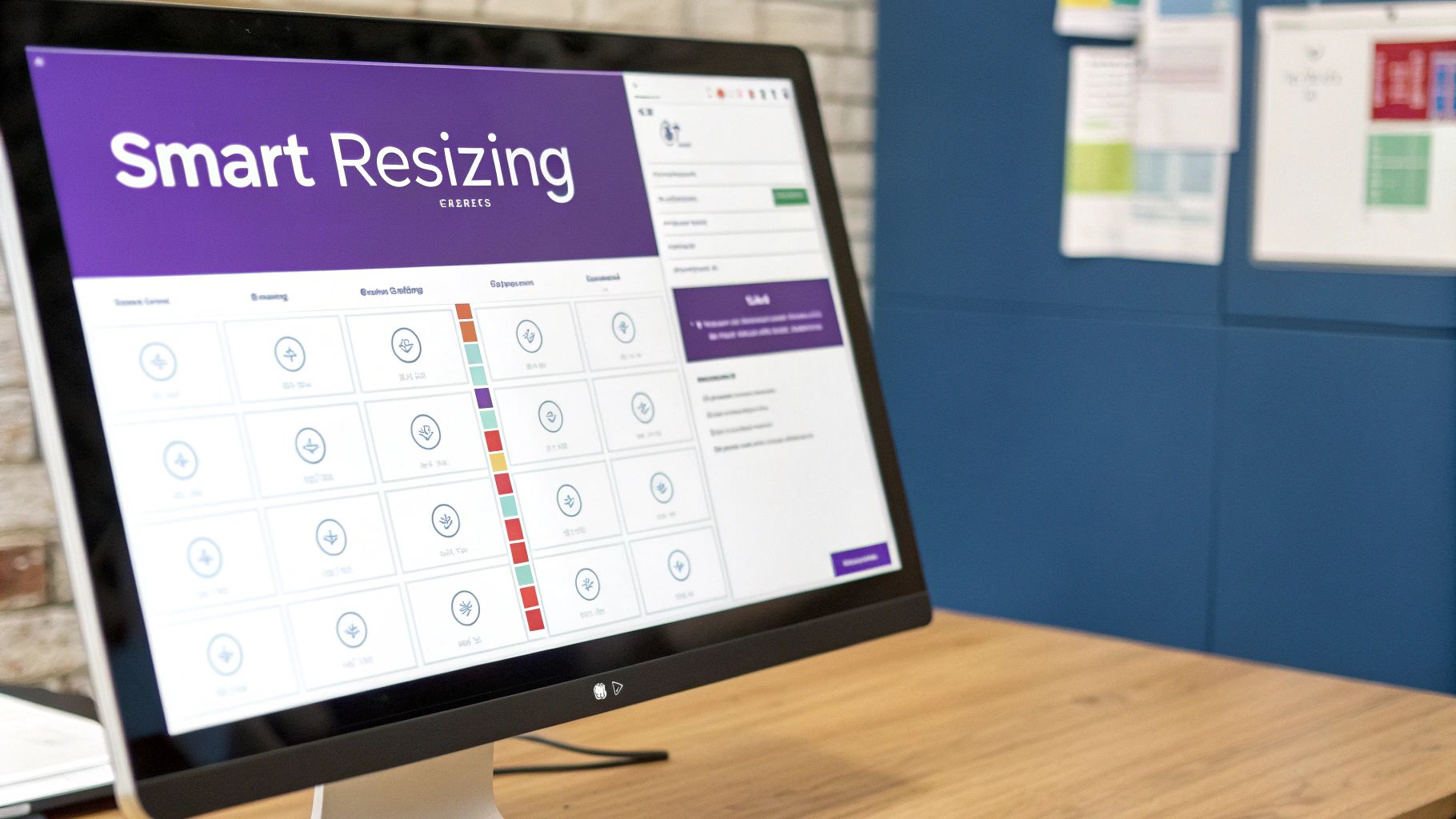
An effective RDS schedule can do more than just shut instances down. While a basic start/stop cycle is a great first step, a more dynamic approach can unlock even greater savings. This is particularly true for non-production environments with variable workloads. The next level of optimization is scheduled "right-sizing," where the instance type is automatically changed based on a predefined schedule.
For instance, a development database might require a db.t3.large instance during the busy work week but can be resized to a much cheaper db.t3.small over the weekend. This keeps the database available for any necessary tasks while significantly reducing its running cost. This smarter way of managing resources provides a balance between availability and cost savings.
 Best Practices for a Resilient Scheduling Strategy
An automated RDS schedule is only as good as its reliability. Simply setting a schedule is not enough; you need a resilient strategy to ensure it runs correctly every time. This involves treating your schedules like code by testing them thoroughly in a non-critical environment first. Security is also paramount. Always adhere to the principle of least privilege by creating an IAM policy that grants only the specific permissions needed for the scheduled tasks.
A consistent tagging strategy (e.g., env:dev, schedule:office-hours) becomes crucial as your environment grows, allowing you to target specific groups of instances scalably. Equally important are monitoring and alerting. You need to know immediately if a scheduled action fails. A failed "stop" can lead to unnecessary weekend costs, while a failed "start" can block your development team. Setting up alerts with tools like Amazon CloudWatch is essential for a dependable scheduling system.
Common Questions About RDS Scheduling
Several common questions arise when implementing an RDS schedule. One primary concern is data safety. Stopping an RDS instance does not delete your data; the underlying EBS volumes are preserved. However, automated backups are paused while the instance is stopped. Another question involves Auto Scaling. RDS instances do not use Auto Scaling Groups like EC2 instances, but you can schedule the scaling of RDS Read Replicas to manage read capacity.
Error handling is another key consideration. If a scheduled action fails, a DIY solution requires you to build your own logging and alerting with services like Amazon SNS. Dedicated tools often have this functionality built-in. Finally, timezones can be a common pitfall. To avoid confusion, it is best to standardize on UTC or use a scheduling platform that automatically handles timezone conversions, allowing you to set schedules in your local time without errors.