Master AWS EC2 Start Stop Schedule Automation
meta_title: "Automate AWS EC2 Start Stop Schedule for Optimal Savings Now" meta_description: "Streamline aws ec2 start stop schedule to align uptime with usage. Reduce idle costs by up to 70% using EventBridge, Lambda and AWS Instance Scheduler. Fast ROI!" reading_time: "6 minutes"
Contents
Ready to Slash Your AWS Costs?
Stop paying for idle resources. Server Scheduler automatically turns off your non-production servers when you're not using them.
Introduction
Automating an aws ec2 start stop schedule ties your compute costs directly to real usage, ensuring instances run only when needed. By eliminating idle hours, teams commonly see savings of 50–70% without compromising availability or developer productivity.
Ready to cut idle costs today? Start a free trial with Server Scheduler and see savings in minutes.
Aligning EC2 Uptime With Usage
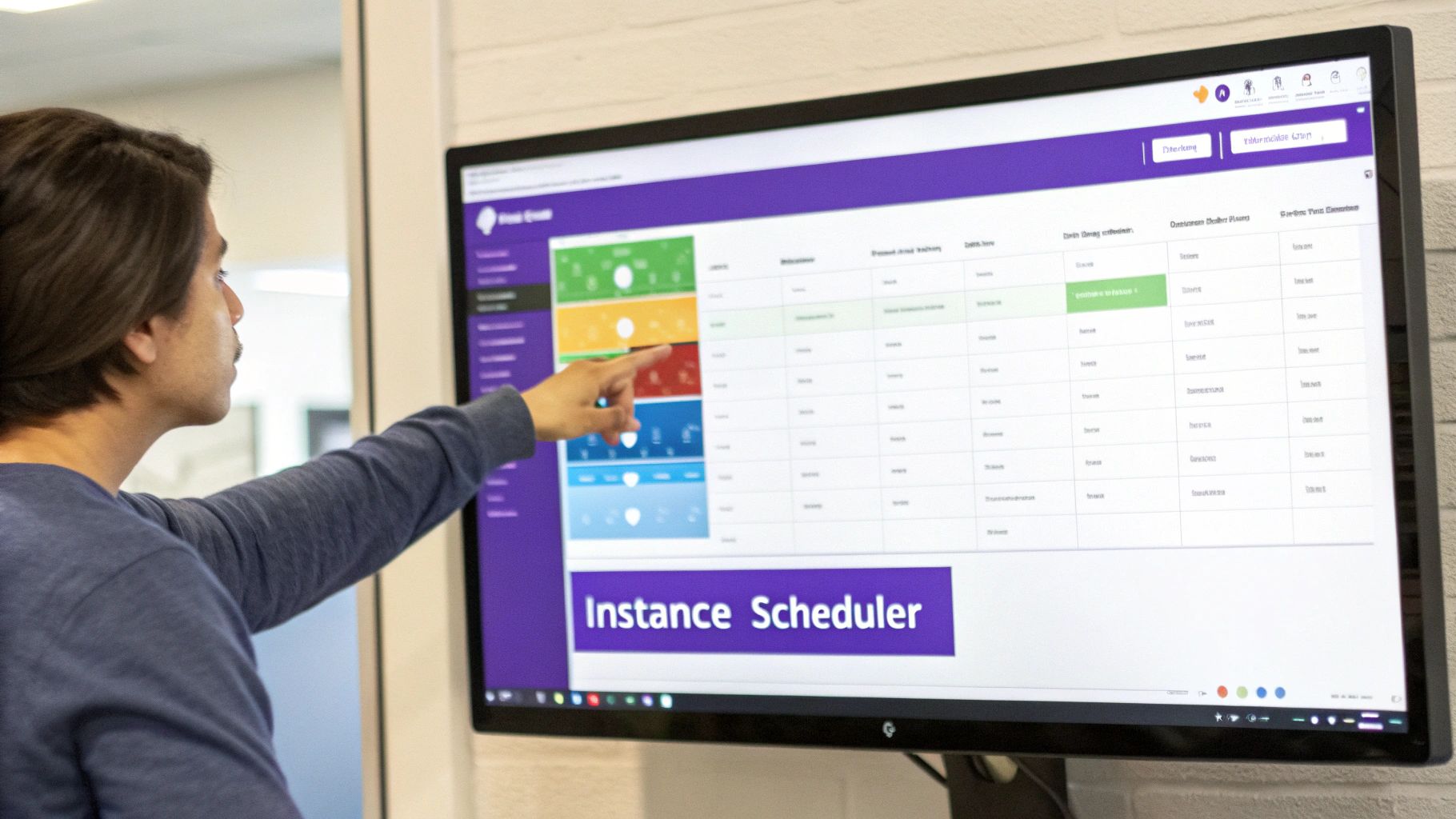
When EC2 instances remain active overnight or during weekends, expenses can spiral out of control. A well-designed schedule closes that gap by powering down idle servers outside business hours and spinning them back up when teams resume work. Teams using AWS Systems Manager Quick Setup report shrinkage from 168 weekly runtime hours to just 50, yielding roughly 70% savings. This approach not only reduces spend but also simplifies budgeting and provides clear documentation of operating windows.
The visual interface of Quick Setup makes it easy to map time slots to resource tags before deploying, preventing accidental misconfigurations.
How Scheduling Works
At its core, start-stop automation relies on three building blocks: rules that define when to run, a mechanism to invoke actions, and permissions to call the EC2 API. Rules can follow cron expressions or fixed rates. A trigger—such as an EventBridge rule—fires a Lambda function or Systems Manager runbook that reads tags like Schedule=business-hours and issues the appropriate StartInstances or StopInstances call.
Callout: Always test new schedules in a sandbox account to validate time zones, tag filters, and IAM roles.
Once validated, you apply consistent tags across accounts and tie them to schedules in your preferred scheduler. This model keeps your policy definition separate from your resource inventory, enabling easy audits and faster iterations.
Scheduling Methods Comparison
AWS offers multiple ways to implement an aws ec2 start stop schedule, from lightweight scripts to managed frameworks. Choosing the right solution depends on your team’s size, skill set, and governance requirements.
| Method | Complexity | Cost Impact | Best For |
|---|---|---|---|
| EventBridge + Lambda | Low code | Lambda invocations + EventBridge | Small teams needing custom scripts |
| AWS Instance Scheduler | CloudFormation deploy | Lambda + DynamoDB minimal charges | Enterprises requiring multi-account |
| Systems Manager Automation | Integrated runbooks | No extra scheduler fees | Teams using SSM for maintenance |
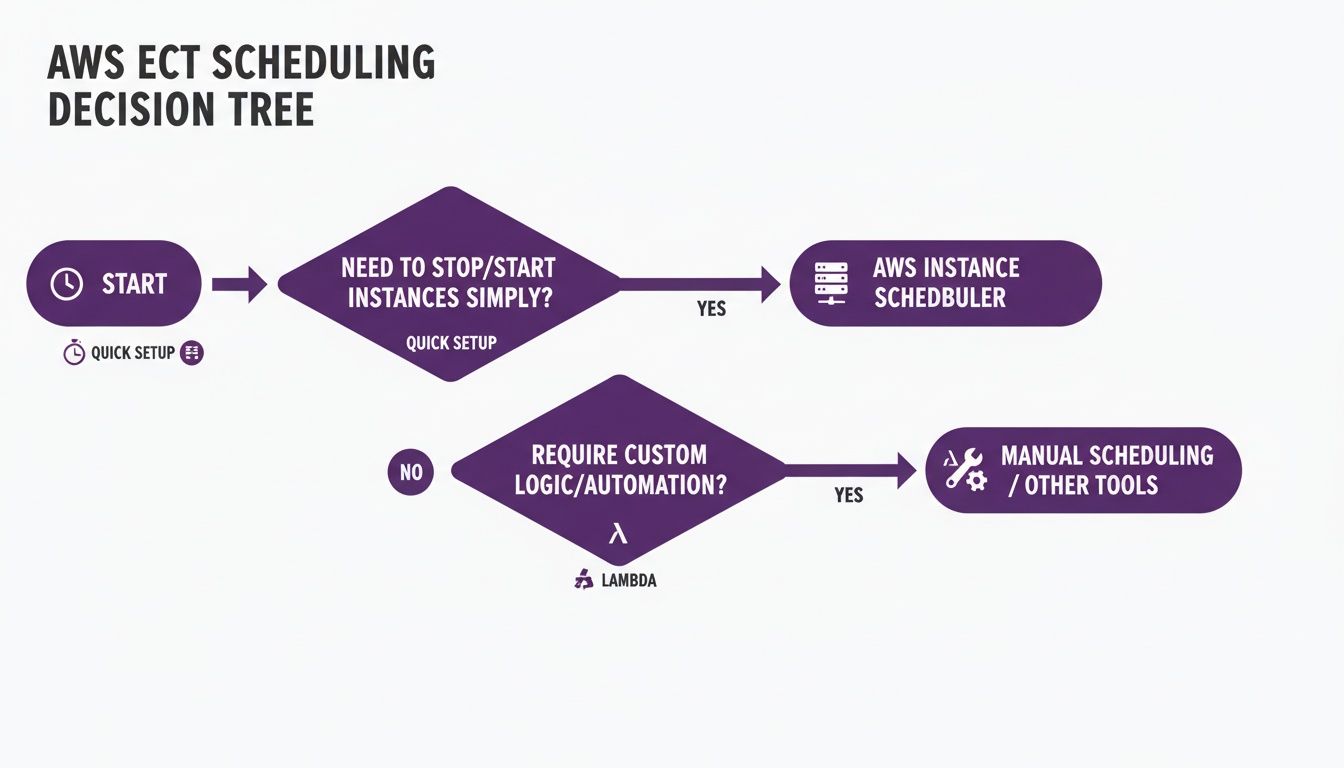
This table highlights ease of setup, ongoing costs, and flexibility. Tag-driven methods give you centralized control, while custom scripts offer granular logic.
Setting Up EventBridge and Lambda
Using EventBridge and Lambda delivers serverless scheduling without additional infrastructure. First, tag each instance with a key such as Schedule=dev-hours or Schedule=off-peak. Then author a Python Lambda function (boto3) that filters on these tags and calls start_instances or stop_instances accordingly. Finally, define a cron-based EventBridge rule to invoke your function at the desired intervals.
Assign an IAM role with least-privilege permissions—ec2:StartInstances, ec2:StopInstances, and iam:PassRole—and test the rule in a dev account. A small retry policy and idempotent code ensure reliability even when AWS briefly throttles.
Implementing AWS Instance Scheduler
For multi-account environments, the AWS Instance Scheduler solution uses a CloudFormation template to deploy Lambda handlers, a DynamoDB table for schedule definitions, and EventBridge rules. Your on/off calendars live in DynamoDB items, each recording active days and times. Instances link to those definitions via tags like Schedule=business-hours, ensuring consistent behavior across regions and accounts.
Drift detection routines can audit for missing or altered tags and automatically reconcile them against your canonical schedules, reducing manual overhead.
Monitoring and Best Practices
Visibility and governance are critical to maintaining a reliable schedule. Aggregate start-stop events into CloudWatch Logs and feed them to CloudWatch Logs Insights to query patterns such as "STOP_FAILED". Combine that with EventBridge metrics and AWS Config rules to catch tag drift or permission gaps.
A simple dashboard tracking rule invocations, error counts, and per-schedule success rates can highlight misfires before they impact production. Establish alerting thresholds—such as more than five failures in an hour—to trigger an SSM Automation rollback document that restores your last known good configuration. Consistent session policies and AWS Organizations SCPs lock down who can modify scheduler roles or runbooks.
Regular audits and sandbox testing, paired with canary rollouts (10% → 30% → 100%), keep error rates below 5% and ensure safe expansion.
Related Articles
- Implementing EventBridge and Lambda: Automate EC2 start-stop cycles with a lightweight, serverless approach. Read More
- Managing Time Zones and Access Controls: Ensure schedules respect DST and enforce IAM policies. Explore
- AWS Instance Scheduler deployment: Centralize schedules across accounts using CloudFormation. Learn More
For additional cost optimization strategies and in-depth tutorials, visit Server Scheduler’s blog and documentation.