A Practical Guide to EC2 Cost Optimization Strategies

Effective EC2 cost optimization isn't about guesswork; it starts with a clear, data-driven look at exactly where your money is going right now. Before you can slash that AWS bill, you have to pinpoint the idle resources and overprovisioned instances that are quietly draining your budget. This means moving beyond high-level billing summaries and digging into the granular, resource-level details to understand usage patterns and identify waste.
Ready to stop overspending? Server Scheduler automates start/stop schedules for your EC2 instances with a simple point-and-click interface. Start cutting your AWS bill by up to 70% today!
Contents
Ready to Slash Your AWS Costs?
Stop paying for idle resources. Server Scheduler automatically turns off your non-production servers when you're not using them.
Understanding Your Current EC2 Spend
The first real step in any EC2 cost-saving plan is discovery. You can't optimize what you can't see, and getting a clear view of your entire AWS environment is what separates wild guesses from smart decisions. For many teams, a surprisingly large chunk of their cloud bill—often 15-30%—comes from resources that are either completely idle or massively underused. The real challenge is finding these culprits efficiently. This isn't just about glancing at your monthly invoice; it requires a deep dive into usage patterns. Think about that development server running 24/7 when it's only needed during business hours, or a QA instance beefed up for a peak load that only happens for a few hours a month. That's pure waste.
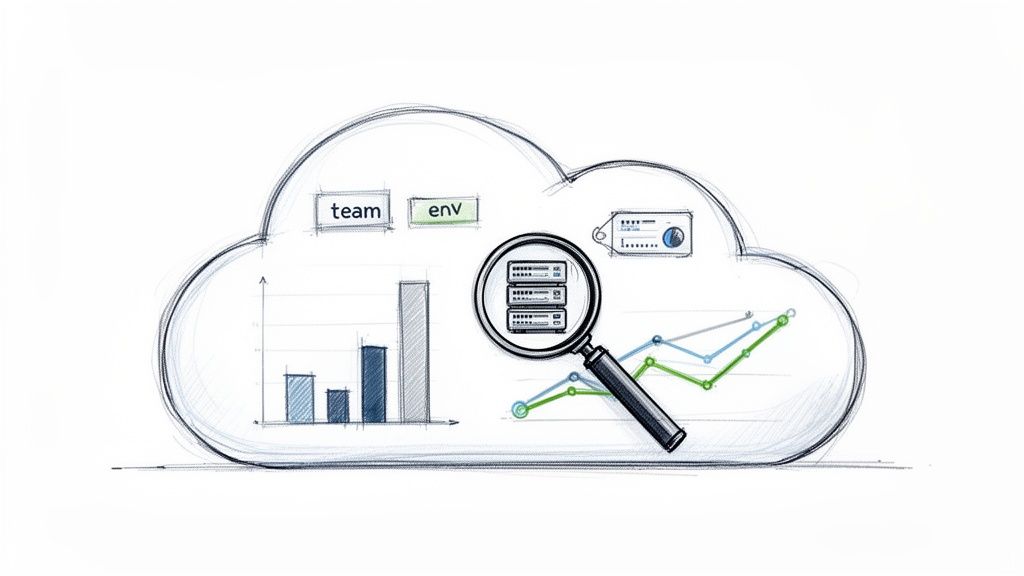
The good news is that AWS gives you some powerful tools to kick off your investigation right out of the box. The two essentials for initial discovery are AWS Cost Explorer and AWS Trusted Advisor. AWS Cost Explorer is your go-to for visualizing and understanding your AWS costs over time. You can filter everything by service, region, or—most importantly—by tags. Use it to build custom reports that break down your EC2 spend, helping you spot trends and identify your biggest cost drivers. AWS Trusted Advisor, on the other hand, acts as your automated cloud consultant. It scans your environment and provides real-time recommendations, flagging idle EC2 instances and underutilized volumes. For a deeper analysis, our guide on AWS cost optimization tools covers more advanced options.
A consistent, enforced tagging strategy is the absolute foundation of granular cost allocation and accountability. Without it, all your EC2 costs just get dumped into one giant, confusing bucket, making it impossible to tell which team, project, or environment is responsible for what.
| Tag Key | Example Value | Purpose |
|---|---|---|
Project |
project-phoenix |
Assigns the resource to a specific project or application. |
Environment |
development |
Identifies if the instance is for production, staging, dev, etc. |
Team |
backend-eng |
Attributes the cost to the responsible engineering team. |
By implementing a mandatory tagging policy, you transform a confusing, monolithic bill into a clear, actionable report. This visibility empowers teams to take ownership of their spend and fosters a culture of cost-awareness.
This level of detail helps you spot patterns immediately, like noticing one team consistently overprovisioning their test environments. Remember, EC2 cost optimization is also part of a wider financial picture. For a more comprehensive look at managing tech expenses, check out these broader IT cost reduction strategies.
The Power of Scheduling Non-Production Environments
One of the biggest and most direct ways to slash your EC2 costs comes from a simple idea: just turn things off when nobody's using them. It sounds obvious, but many organizations leave their non-production environments—development, staging, testing, and QA—running 24/7. This is the cloud equivalent of leaving every light on in an empty office building all night and over the weekend. A standard 9-to-5 work week represents only about 40 hours of real use. The other 128 hours every single week—nearly 76% of the time—those servers sit idle, racking up charges. By implementing a smart schedule, you can reclaim that wasted spend almost overnight.
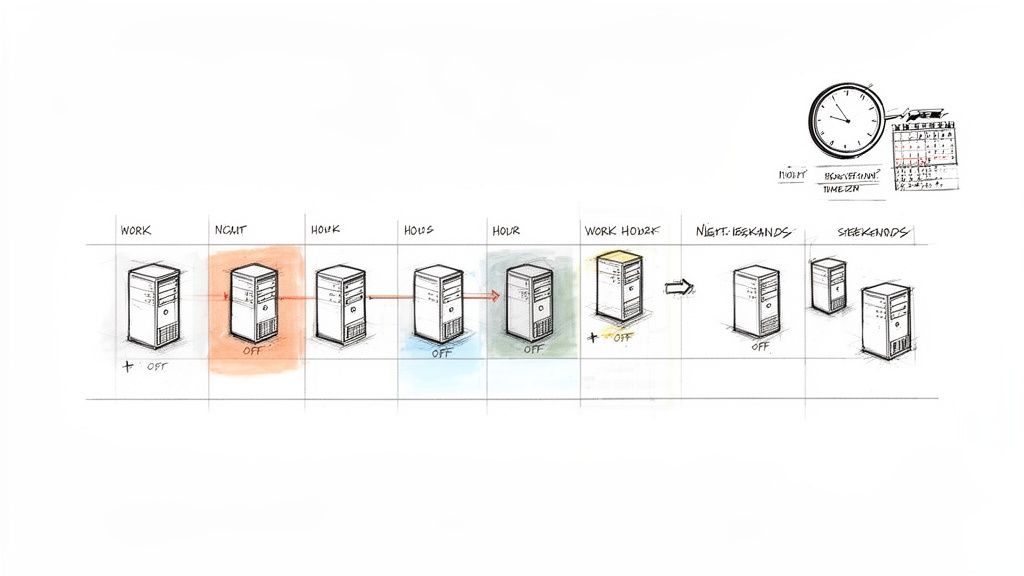
The financial impact here is huge. Simply powering down your non-production fleet during off-hours can cut your compute bill for those environments by 70% or more. For many companies, this is the single biggest cost-saving opportunity available. Unlike rightsizing, where you have to carefully analyze performance, scheduling non-production instances is a no-brainer. If your developers aren't at their desks, the dev servers don't need to be running. It's a clean win with absolutely no performance trade-offs.
While many teams try to tackle this with custom scripts, these homegrown solutions often become brittle and difficult to maintain. They lack the flexibility for globally distributed teams or urgent weekend testing, creating more operational work. This is where a dedicated tool shines. A visual scheduler like Server Scheduler removes the need for engineers to write and maintain code. Instead, anyone can define start/stop windows through a simple interface, handle different time zones, and create custom schedules for specific projects in just a few clicks. For more details on this process, see our guide on How to Stop and Start EC2 Instances on a Schedule.
Rightsizing and Modernizing Your EC2 Fleet
Beyond scheduling, one of the most powerful ways to slash your EC2 bill involves making sure your instances are the right size and using the most modern, efficient instance families AWS offers. Overprovisioning is a silent budget killer, often happening when teams pick oversized instances "just in case." Rightsizing is the art of matching instance types to your actual workload needs at the lowest possible cost. The only way to do this right is with data from Amazon CloudWatch. Look at metrics over at least two weeks to get a true picture of demand. Prime candidates for downsizing are instances with average CPU utilization consistently under 40%. A simple change from an m5.2xlarge to an m5.xlarge can instantly cut the cost for that server by 50%.
Modernizing is about using newer instance generations that deliver more bang for your buck. AWS is constantly rolling out new EC2 instances that are faster and cheaper. Simply moving a workload from an older M4 instance to a current-generation M6i can boost your price-performance by up to 40%. One of the biggest opportunities right now is the switch to AWS Graviton processors. These are custom-built, Arm-based CPUs that offer massive performance improvements and cost savings. Combining rightsizing and modernization creates a powerful cycle of continuous improvement. For a detailed walkthrough, our guide on how to resize an EC2 instance has you covered.
Automating and Governing for Continuous Optimization
EC2 cost optimization isn't a one-and-done project; it's an ongoing discipline that must be woven into your daily operations. Automation and governance are what turn occasional clean-up efforts into a sustainable, cost-aware culture. True, long-term success comes from building guardrails that stop cost overruns before they happen and automating repetitive optimization tasks. This approach keeps your infrastructure lean as you scale, freeing up engineers to focus on innovation.
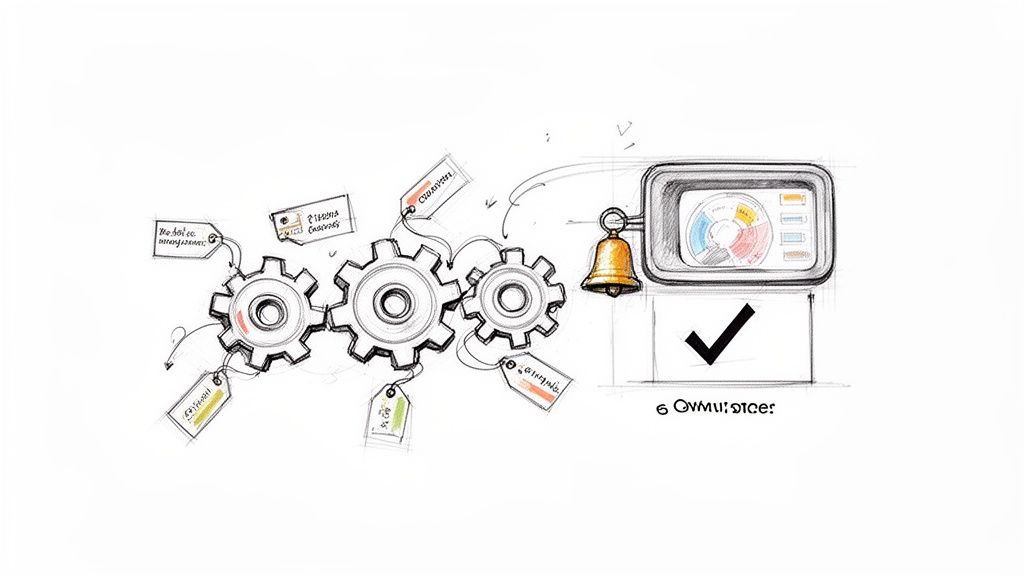
You can establish proactive cost controls using AWS Budgets and Amazon CloudWatch alarms. With AWS Budgets, you can set custom spending thresholds and create alerts that notify stakeholders when costs are forecasted to exceed limits. A consistent tagging strategy is the bedrock of cost accountability, and governance takes this a step further by enforcing it. Using AWS Organizations and Service Control Policies (SCPs), you can prevent users from launching new EC2 instances unless they include specific tags like Project or Team. This ensures that every dollar of compute spend can be tied back to its source. The only way to achieve true continuous optimization is to replace manual drudgery with reliable, automated systems. Explore a variety of cloud infrastructure automation tools to see how they fit into a bigger picture.
FAQ About EC2 Cost Optimization
Even with the best strategy, you're bound to have questions when digging into EC2 cost optimization. For almost everyone, the biggest and easiest win is to automate start/stop schedules for your non-production environments. You could be burning over 65% of your budget on pure idle time. By simply turning those instances off at night and over the weekends, you can slash costs right away. This is exactly what tools like Server Scheduler were built for.
When choosing between Savings Plans and Reserved Instances, Savings Plans are the way to go for most teams. They offer the same deep discounts as Reserved Instances but with far more flexibility, applying savings automatically across different instance families, sizes, and regions. Setting up a formal rightsizing review every quarter is also a solid best practice. Analyze at least two weeks of performance metrics from Amazon CloudWatch, focusing on average and maximum CPU utilization, to ensure you're only paying for the resources you actually need.
Ready to transform your EC2 cost optimization from a manual chore into an automated, reliable system? Server Scheduler provides a simple, visual way to schedule, resize, and manage your AWS resources, cutting your cloud bill by up to 70%. Start your free trial today!